5 Ways to Plan Your Next Trip with Spillist
From saving TikTok recommendations to building day-by-day itineraries, here are five ways Spillist makes trip planning easier.
Planning a trip used to mean juggling spreadsheets, screenshots, browser tabs, and group chats. Spillist brings everything into one place so you can go from "that looks amazing" to "here is the plan" without the chaos.
Here are five ways to use Spillist for your next trip.
1. Build lists from social media
Start by saving places from the TikToks and Reels you have already been watching. Paste a link, extract the places, and add them to a trip-specific list. You can create separate lists for restaurants, activities, hotels, or whatever categories make sense for your trip.
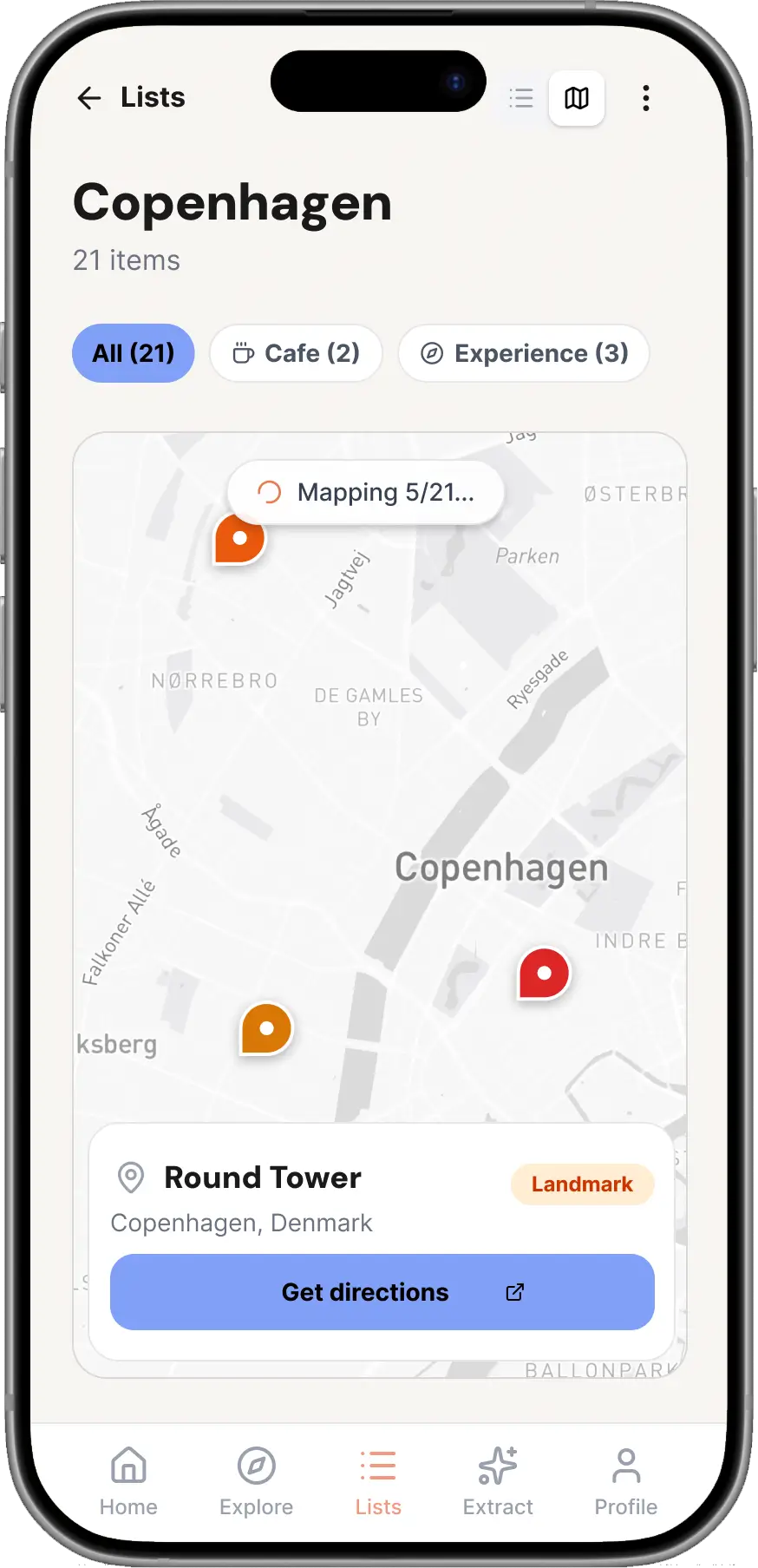
2. Use the map to spot clusters
Once you have a list of places, switch to map view to see where everything is. You will quickly spot clusters of places that are close together, making it easier to plan what to do each day without backtracking across the city.
3. Create a trip itinerary
Turn your lists into a structured trip plan. Add places to specific days, rearrange the order, and build a day-by-day itinerary that you can follow on the go. No more scrolling through a giant list trying to figure out what is nearby.
4. Share and collaborate with your travel group
Share your lists or trip plan with friends using a simple link. Everyone can see the same places and contribute their own finds. No more "can you send me that restaurant name again?" messages in the group chat.
5. Discover places from other travellers
Browse the Spillist discovery feed to see what other users have saved in the city you are visiting. Sort by most saved or highest rated to find the places that keep coming up. It is like crowdsourced recommendations from people who actually care about good finds.
Start planning
Whether you are planning a weekend away or a two-week adventure, Spillist helps you collect, organise, and act on the places you discover online.
Ready to start saving places?
Turn TikToks and Reels into lists you can actually use.